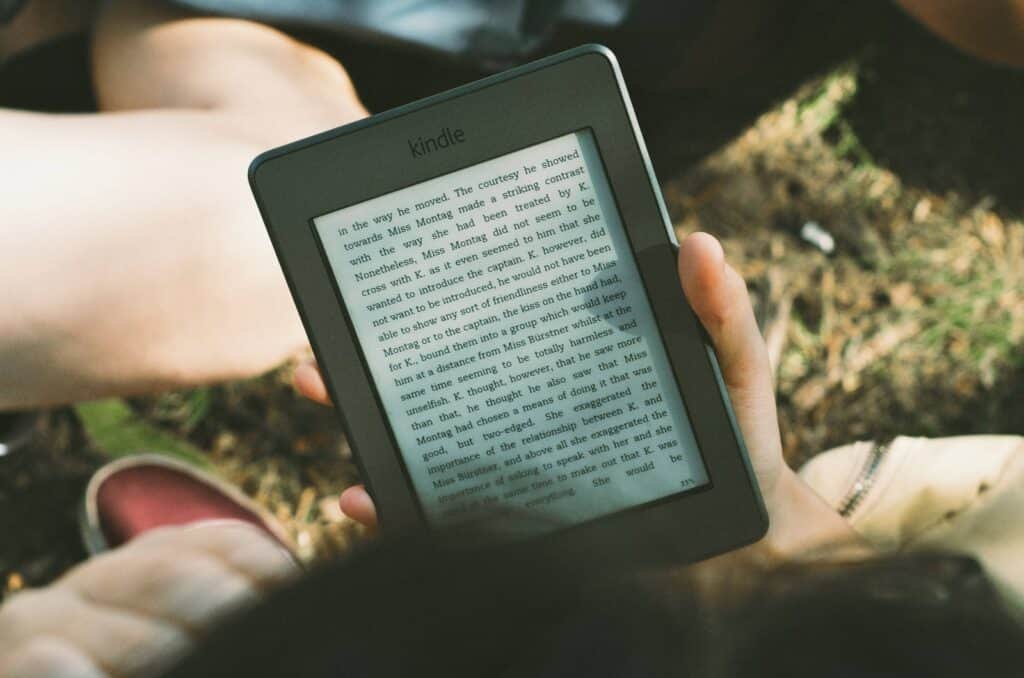
Yes, it is not easy logging into your Kindle account. It’s difficult because it’s just so incredibly hard to find. Even if you do a Google search on logging into Kindle you will get a plethora of pages all of which say different things. Many will direct you to www.amazon.com or .co.uk (if in the uk), but the problem there is that Amazon is so big that the menu is just as big and almost difficult to find anything quickly.
So that’s why provided the link above. Simply click it, login and it will take you to your library of books above which are some headers which you can click on to access various management settings.
Alternatively, log into your Amazon account, Click on your ACCOUNT & LISTS and select MANAGE YOUR CONTENT AND DEVICES. How on earth you are intuitively meant to know that is where your Kindle stuff is, is beyond me. Why couldn’t they call it Kindle & Devices?
To access your Kindle library from your device
Click the Kindle app on your tablet or phone.
click on the bottom tab which says MORE (with three lines).
You don’t get access to all the settings that the online access above gives you, nor can you change much. But you can view things like your nominated email address etc.

 The GP Training website for everyone, not just Bradford
Created by Dr Ramesh Mehay (est. 2002)
The GP Training website for everyone, not just Bradford
Created by Dr Ramesh Mehay (est. 2002)